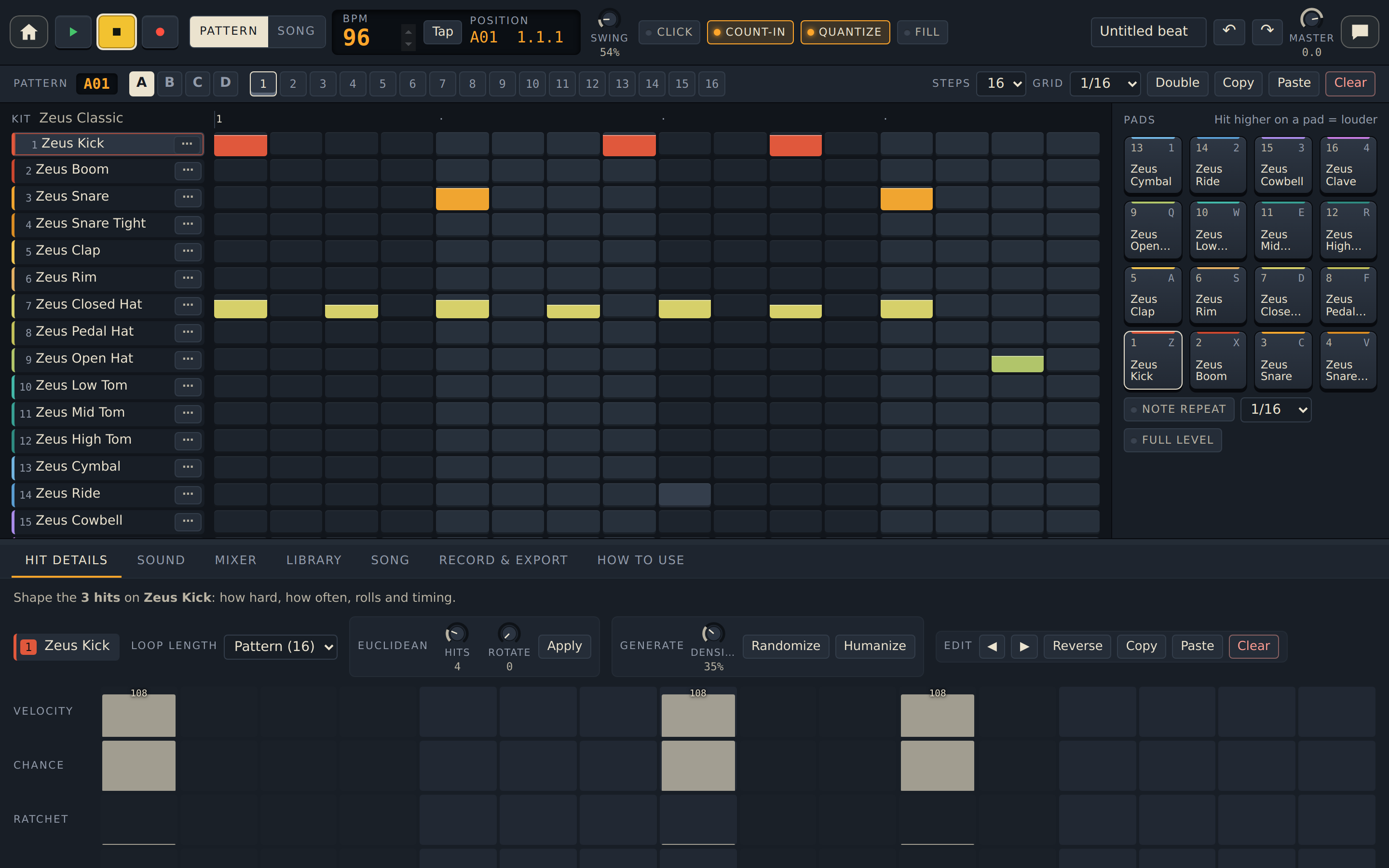
Drum Room
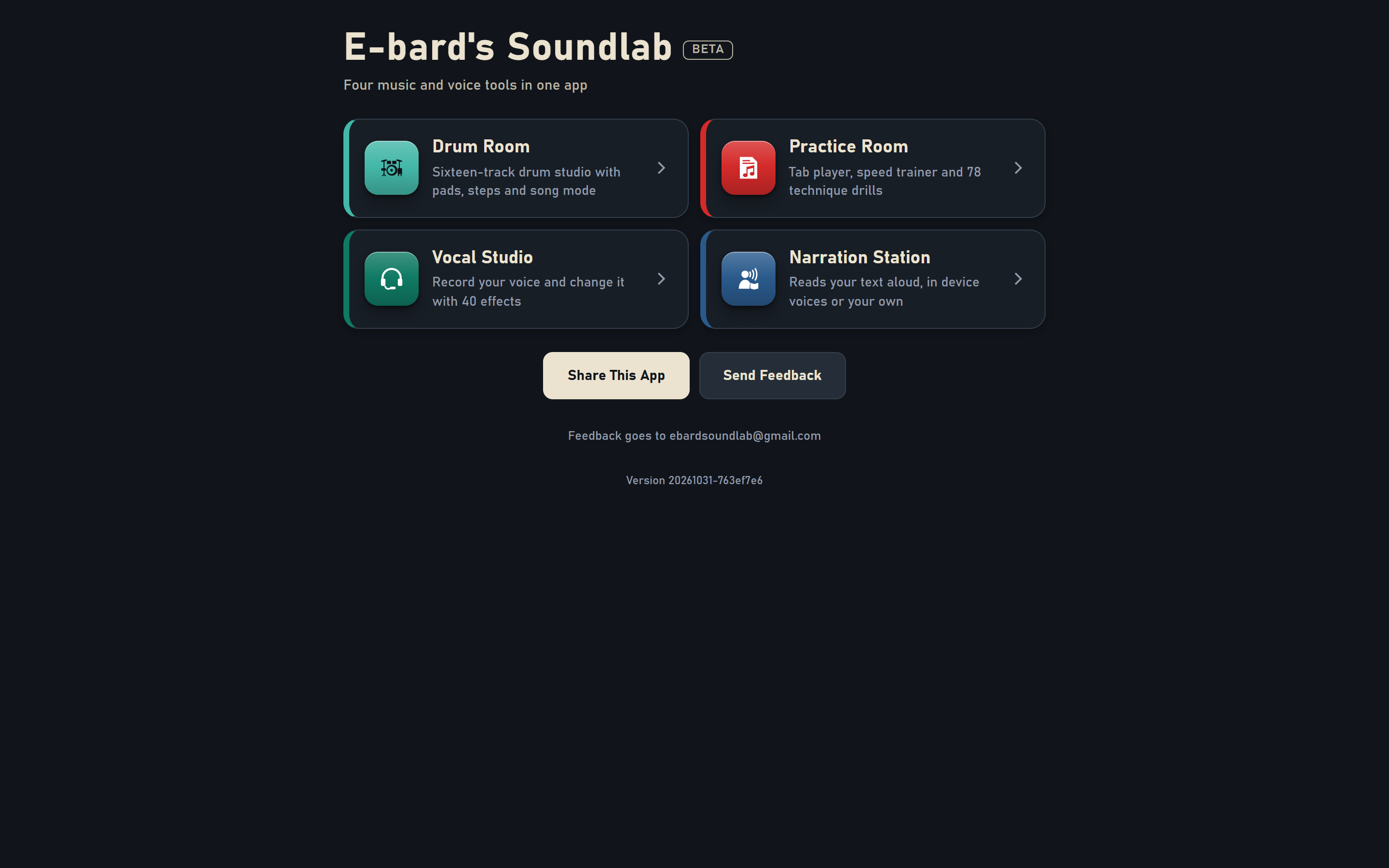
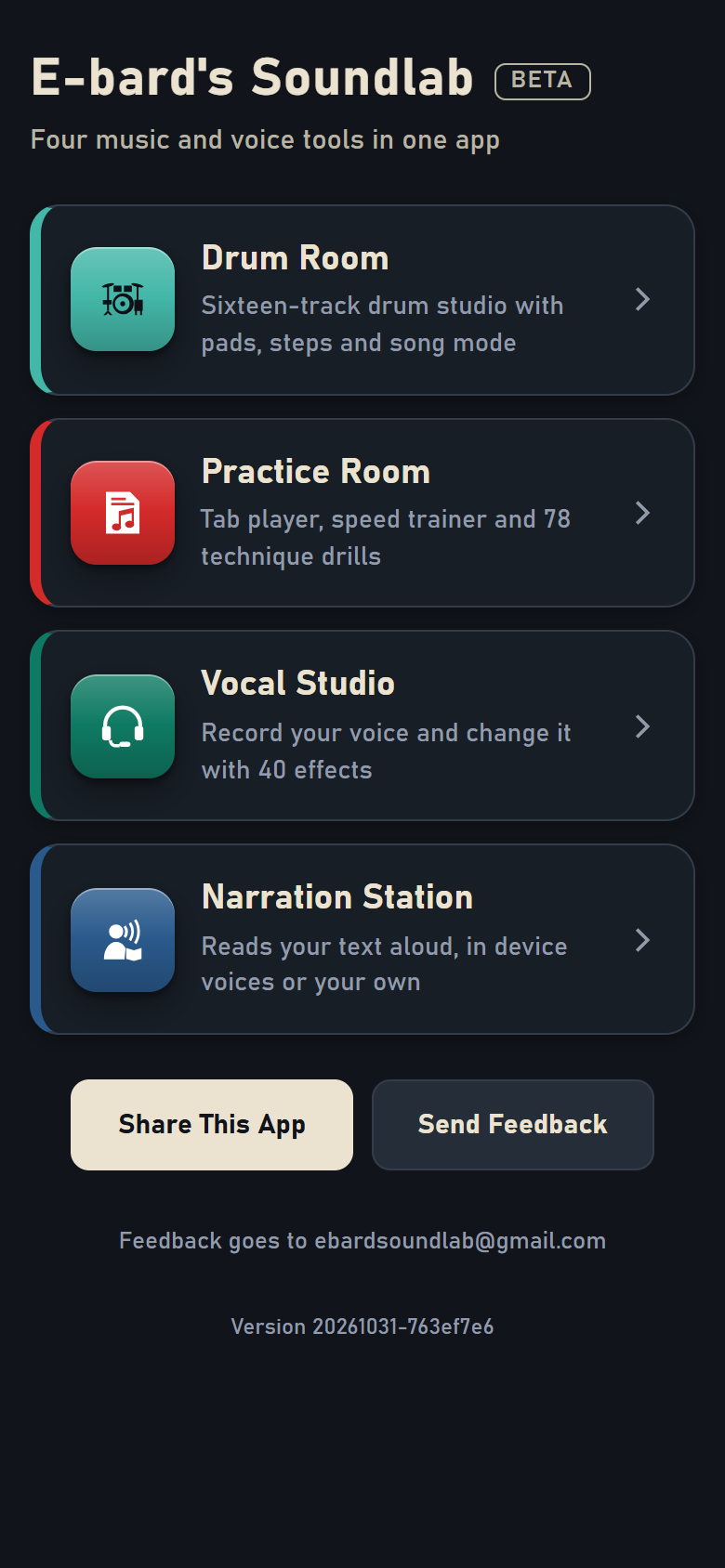
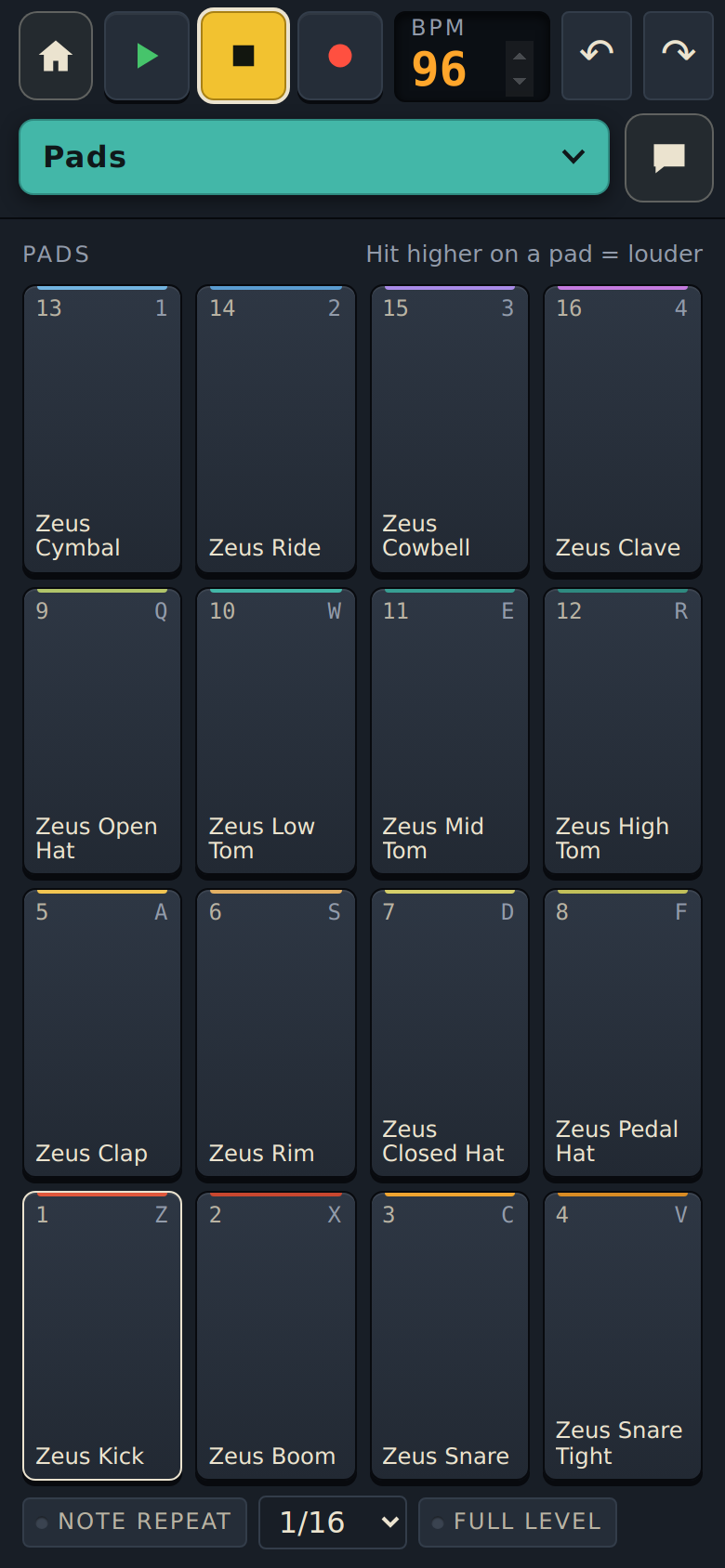
A sixteen-track drum studio with pads, a step sequencer and a song mode.
- 64 patterns, 30 built-in kits and kits it generates for you
- Per-hit chance, ratchets, nudges and loop conditions
- Export a WAV mix, stems or MIDI
Four connected tools to create, practice, and record.
Each app has its own look and does one job well. Pick one from the Soundlab home screen and you're working in seconds.
A sixteen-track drum studio with pads, a step sequencer and a song mode.
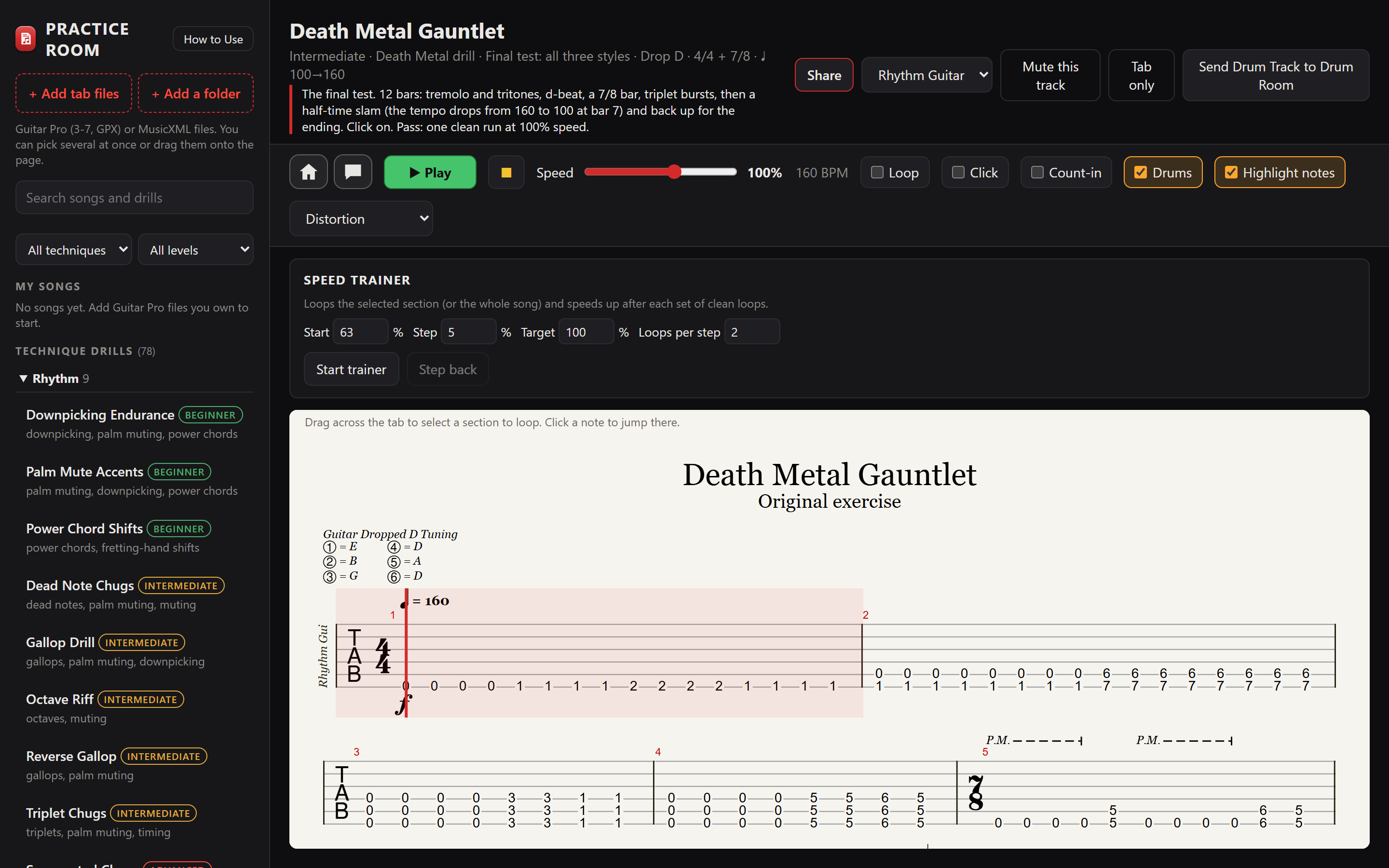
A guitar practice app: a tab player for your own Guitar Pro and MusicXML files, a speed trainer and 78 technique drills with drums.
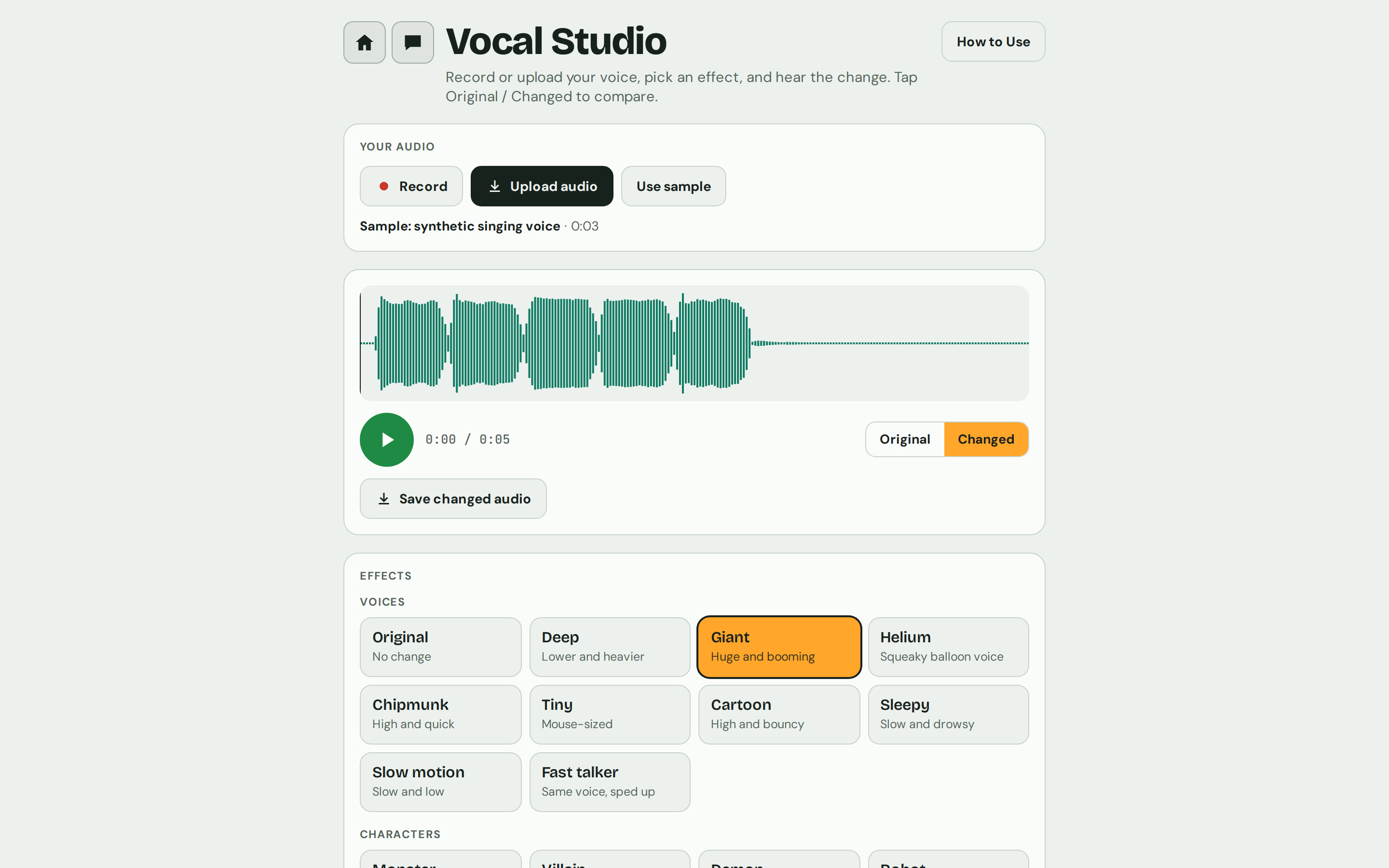
Record or upload your voice, then change it with 40 effects and a full set of fine-tune controls.
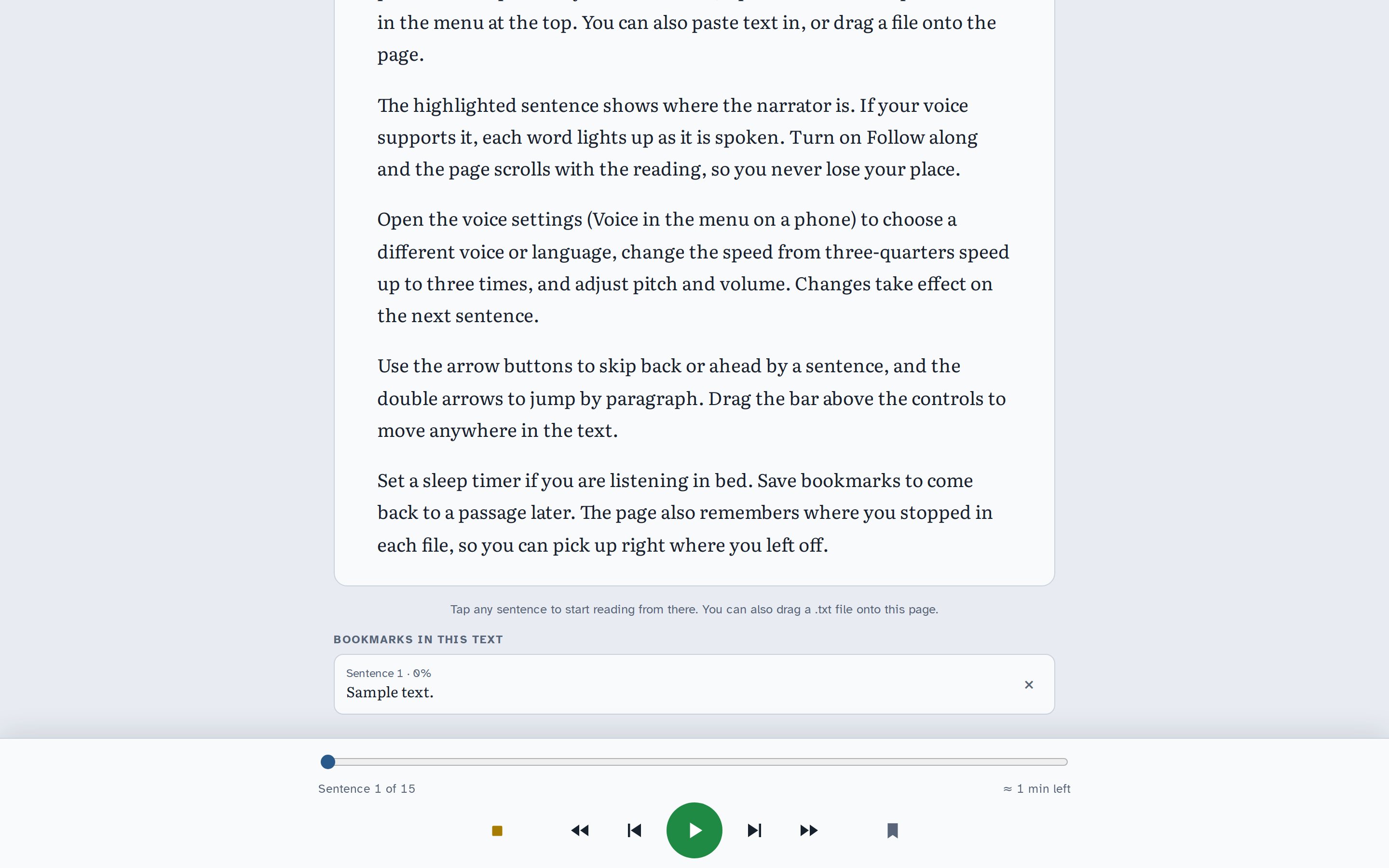
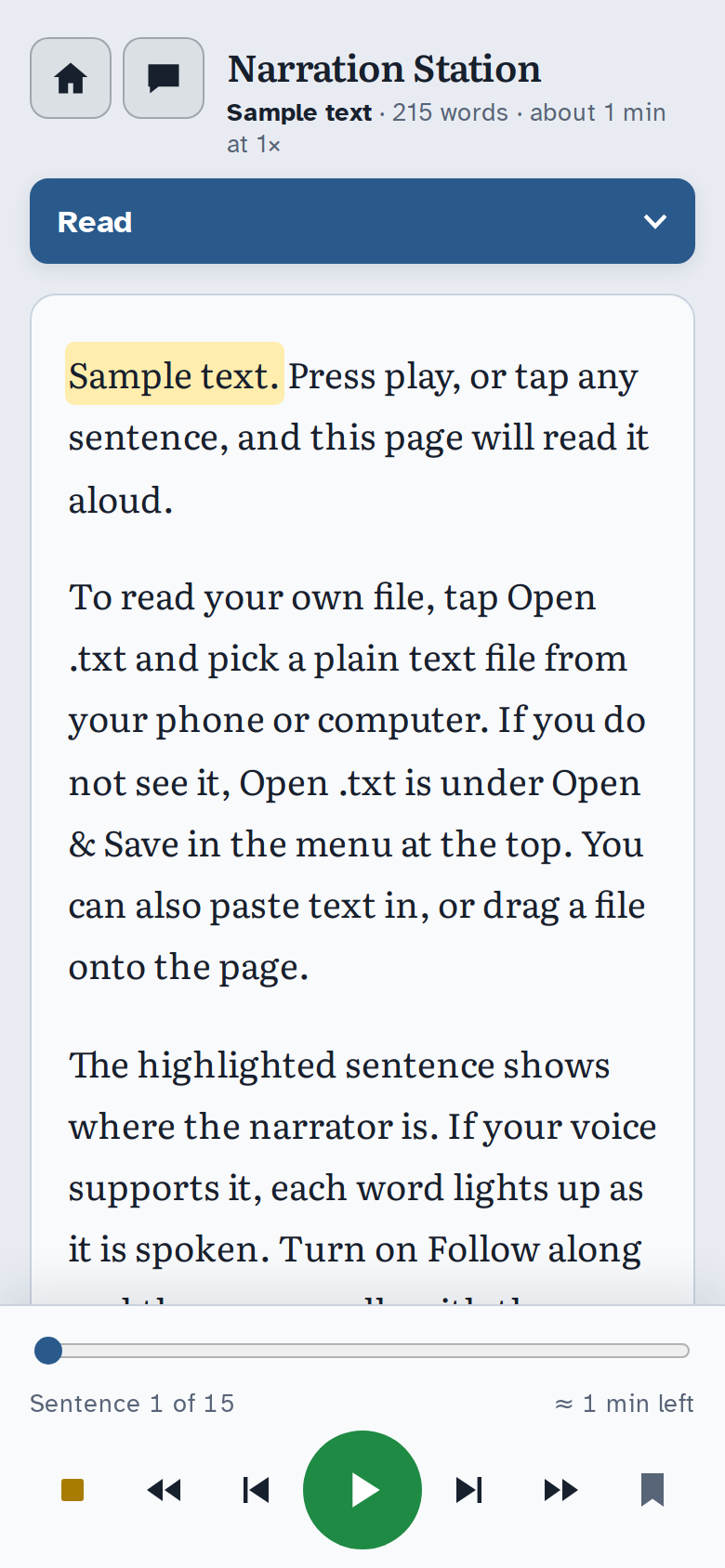
Reads your text aloud, sentence by sentence, in your device's voices or in your own.
Soundlab isn't four separate downloads. The tools share parts and hand work to one another.
On any Practice Room drill, Send Drum Track to Drum Room opens its drums as a new Drum Room project at the speed you're practicing, one pattern per bar, chained in song order.
Narration Station uses Vocal Studio's effects. Read a story in your own voice through Radio DJ, Robot, Giant or Cathedral, and the saved audio file keeps the effect.
Save a changed voice from Vocal Studio as a WAV file, then import it into Drum Room's My Samples and play it from a pad like any other sound.
Every app has a home button back to the Soundlab home screen and its own How to Use guide. They share the same colour meanings: green plays, yellow stops, red records, amber shows what's selected.
A few starting points that combine the apps. Each app page has more.
Record kicks, snares and hats with your mouth in Vocal Studio, push them through Robot or 8-Bit Hero, save each one, and load them into Drum Room as your own kit.
Vocal Studio + Drum Room
Learn a groove in Practice Room with the speed trainer, send its drum track to Drum Room, then rework the beat and export it as MIDI for your own music software.
Practice Room + Drum Room
Narrate the scene in your own voice with My Voice, record character lines in Vocal Studio as Villain, Ghost or Space Comms, and build a soundtrack bed in Drum Room.
Narration Station + Vocal Studio + Drum Room
Paste a song lyric, a speech or a chapter into Narration Station and listen at 1.5×. Awkward lines stand out when you hear them.
Narration Station
On a computer, each app spreads out like a studio desk. On a phone, the main controls stay on screen and a menu at the top switches between sections, so each section gets the whole screen.
Coming soon
Soundlab is in beta. Checkout isn't open yet. This is where you'll be able to buy it.